templates
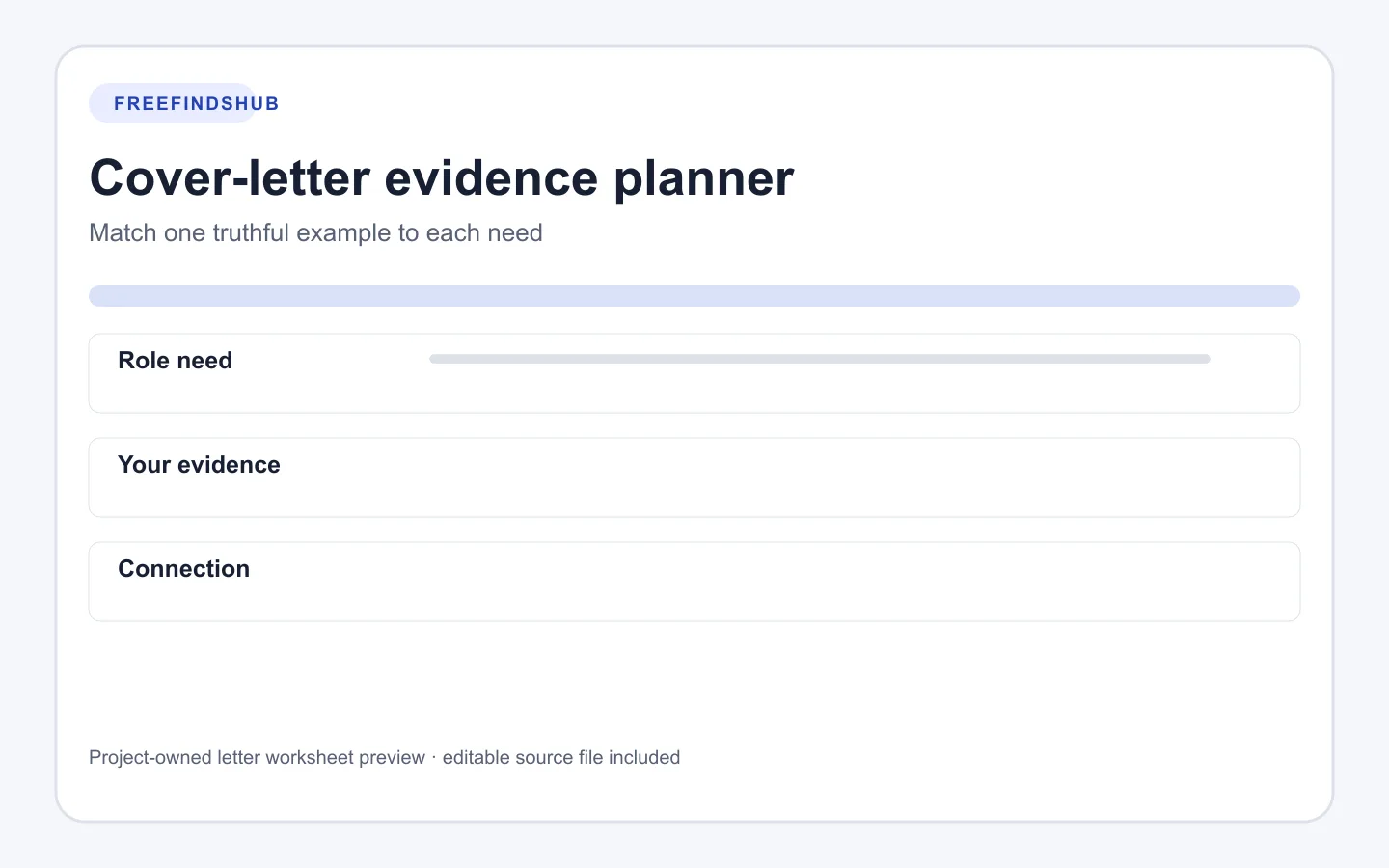
Cover letter evidence planner: connect a role need to real work
A Markdown worksheet for selecting one or two truthful examples before drafting a tailored cover letter.
Opens the documented source in a new tab
Quick facts
- Format
- Markdown worksheet
- Format
- Markdown table
- Aim
- One or two relevant examples, not a restatement of the resume
How to use this resource
- Copy a relevant requirement from the job description in your own words.
- Add the setting, action, and result or learning you can support.
- Write a short connection that explains relevance without claiming knowledge you do not have.
- Check your final choices against the resume before drafting.
Select evidence before prose
A letter is easier to tailor when you decide what it needs to prove before writing complete sentences. This worksheet makes the connection visible: a role need, your real example, the specific action or result, and why it belongs in this application.
Leave rows blank when an example is weak or unrelated. A short letter with a useful connection is more honest than a longer letter that tries to cover every part of a posting.
A label versus evidence
- Label
- “I have strong communication skills” leaves the reader to infer the context.
- Evidence
- A specific situation, action, and result gives the reader a concrete reason to consider the skill.
- Connection
- Name the part of the role your example relates to without pretending it guarantees fit.
Asset details
- Creator
- FreeFindsHub
- Compatibility
- Plain-text editors
- Compatibility
- Markdown editors
- Dimensions
- Four-column Markdown table
- Best for
- Tailoring a cover letter with supportable evidence
Requirements and limitations
- Use only examples you can accurately explain.
- Follow the employer's stated document and submission instructions.
Source, licensing, and verification
Source: FreeFindsHub original resource
Use terms: FreeFindsHub releases this original worksheet under CC0 1.0 Universal. It is provided as-is without warranty.
Ready to continue?
Opens the documented source in a new tab