templates
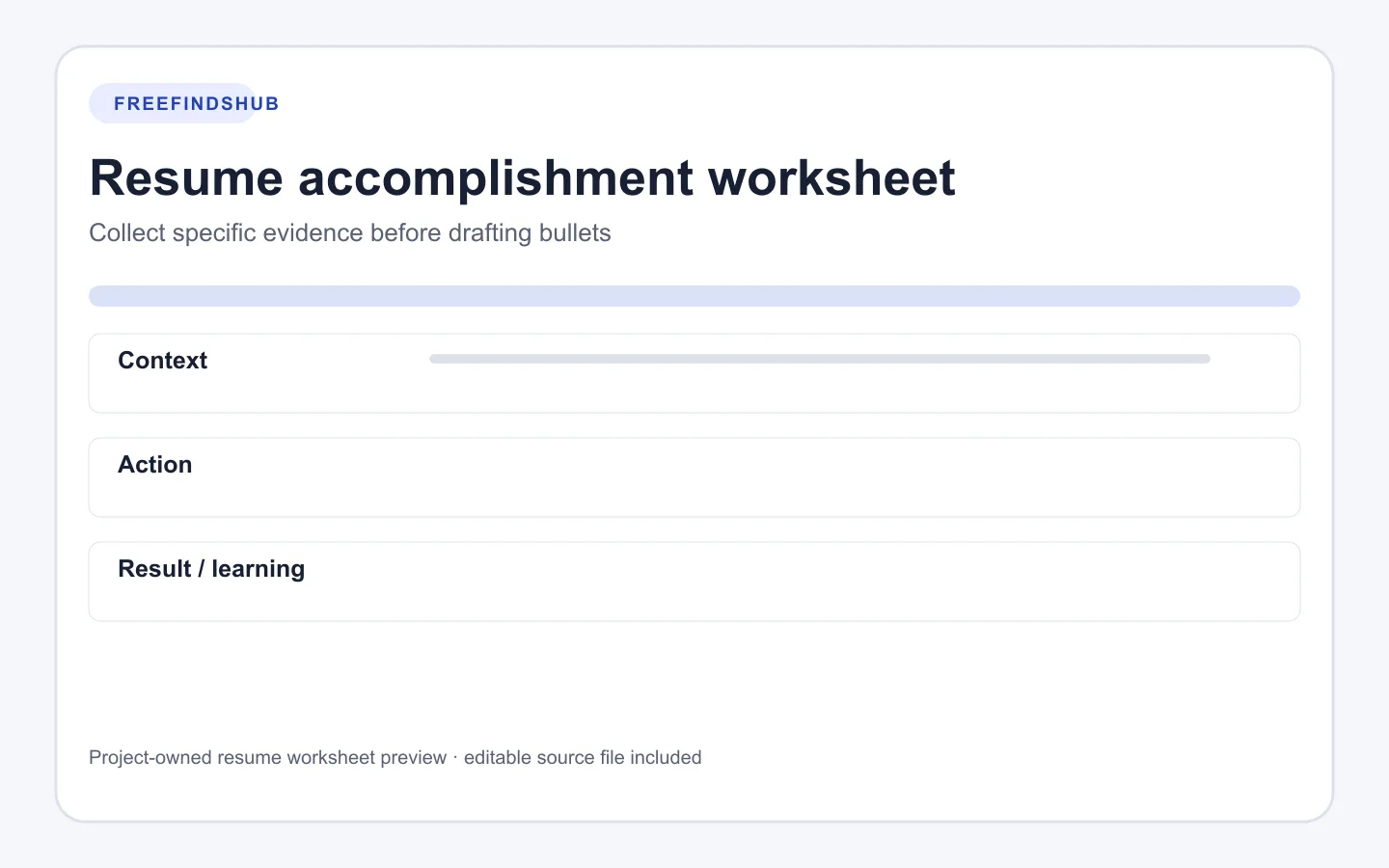
Resume accomplishment worksheet: collect evidence before bullets
A Markdown worksheet for turning truthful responsibilities into specific actions, results, and learning you can verify.
Opens the documented source in a new tab
Quick facts
- Format
- Markdown worksheet
- Format
- Markdown table
- Use it for
- Gathering specifics before choosing resume wording
How to use this resource
- Start with a situation that had a clear scope.
- Describe your actual responsibility and action in plain language.
- Record a result when you can support it, or a learning outcome when that is more accurate.
- Use the verification column to remind yourself where the fact came from.
Specificity starts before the resume bullet
A useful accomplishment statement is often easier to write after you have separated the context, your contribution, and what happened next. The worksheet creates that separation so a job title or positive adjective does not carry the whole claim.
Not every experience has a countable result. A truthful learning, a completed deliverable, or a clearer process can still be useful evidence when it is described with the right scope.
Original prompts
- Context: “Repeated questions delayed event registration.” Action: “Reorganized the instructions and confirmation message.” Result: “Participants had one current place to find next steps.”
- If you cannot verify a number, write the action and outcome without adding an estimate.
Asset details
- Creator
- FreeFindsHub
- Compatibility
- Plain-text editors
- Compatibility
- Markdown editors
- Dimensions
- Five-column Markdown table
- Best for
- Preparing accurate resume evidence
Requirements and limitations
- Keep confidential employer, client, and class information out of the worksheet.
- Do not invent metrics or claim responsibility that was not yours.
Source, licensing, and verification
Source: FreeFindsHub original resource
Use terms: FreeFindsHub releases this original worksheet under CC0 1.0 Universal. It is provided as-is without warranty.
Ready to continue?
Opens the documented source in a new tab