templates
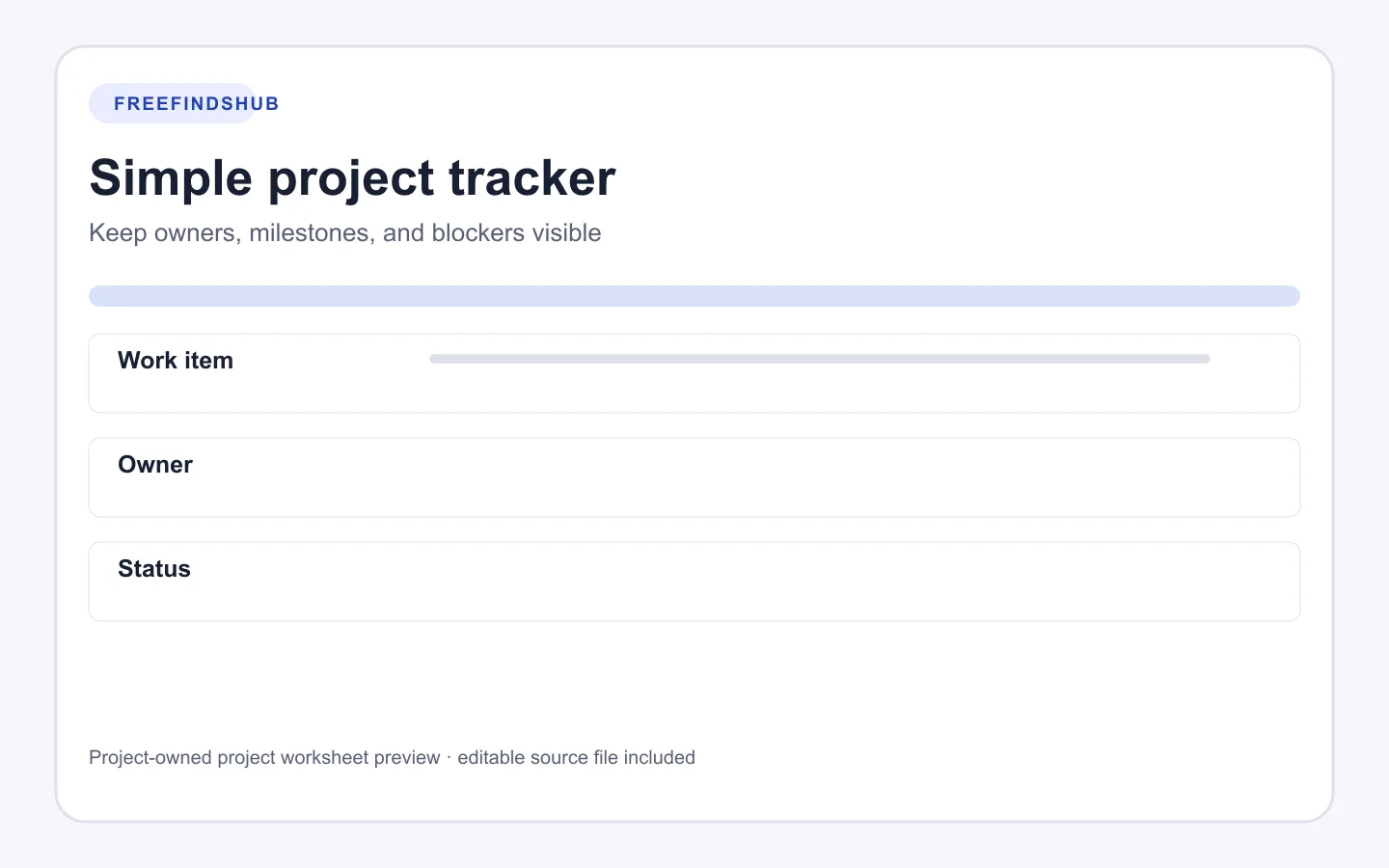
Simple project tracker template: owners, milestones, and blockers
A lightweight CSV for making project work, ownership, target dates, and decisions easier to see together.
Evergreen guideVerified October 4, 2026Updated
Get template
Opens the documented source in a new tab
Quick facts
- Format
- CSV spreadsheet template
- Format
- CSV
- Use it for
- Small project work that benefits from visible decisions
How to use this resource
- Import the CSV and replace the example row.
- Write a work item that names a deliverable or decision rather than a broad area of concern.
- Record a blocker as a fact that needs action, then update it when the decision is made.
A tracker is a shared memory aid
A small project can lose momentum when people remember different next steps. This template separates the work item, the person accountable for moving it, the current status, and any blocker or decision that needs attention.
It does not include automatic scoring, timelines, or workload estimates. Keep it small enough that the people using it can check and update it honestly.
Useful row-writing patterns
| Avoid | Prefer |
|---|---|
| “Website” | “Decide the first-page message and record the approver.” |
| “Blocked” | “Waiting for the source document; ask the owner on Tuesday.” |
| “Done soon” | “Draft shared for review; response requested by Friday.” |
Asset details
- Creator
- FreeFindsHub
- Compatibility
- Spreadsheet software that imports CSV
- Compatibility
- Plain-text editors
- Dimensions
- Seven-column CSV
- Best for
- Small-team or personal project tracking
Requirements and limitations
- Agree with collaborators before assigning an owner or target date.
- Do not use a simple tracker as a substitute for a safety, legal, or regulated workflow.
Source, licensing, and verification
Source: FreeFindsHub original resource
Use terms: FreeFindsHub releases this original CSV under CC0 1.0 Universal. It is provided as-is without warranty.
Ready to continue?
Get template
Opens the documented source in a new tab